
The screen names in this guide match the current interface. They may vary by user role, app version, or building configuration. The installation guide keeps the setup and connection procedure.
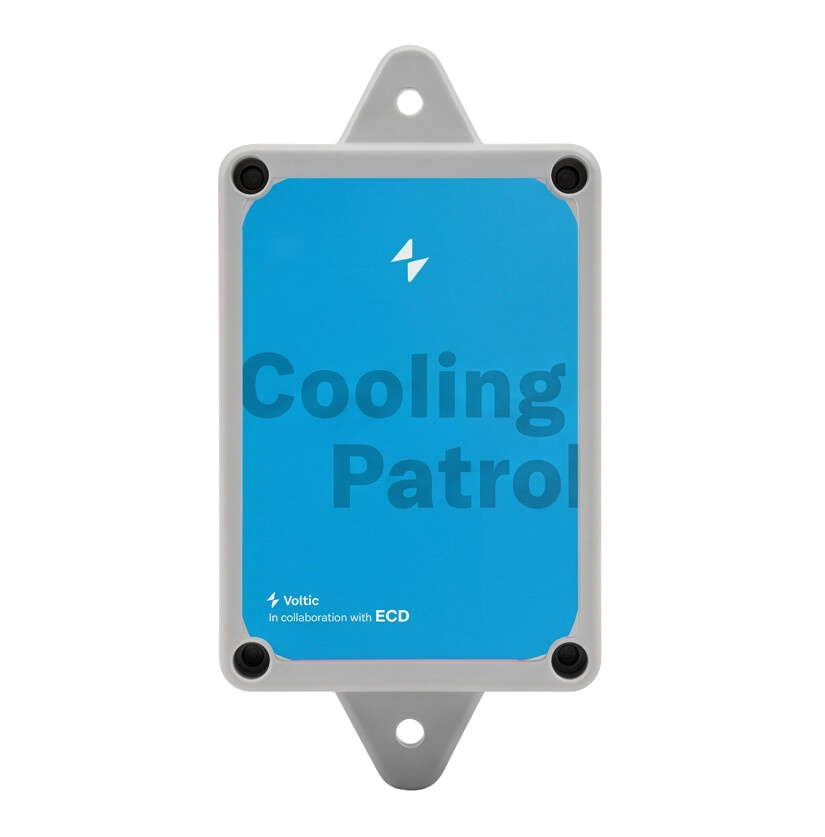
System components
Workflow
- The sensor takes a reading and sends it to the Cooling Patrol Hub.
- The Hub sends the reading to app.voltic.es.
- The app compares the reading with the configured range and shows states such as In range, Close to limit, Out of range, No data, Alert off, or Not configured.
- Deviations are reviewed in Cooling Patrol > Overview and documented in HACCP > Register when required by the site’s procedure.
Installation guide
Install the Hub and sensors step by step, from site evaluation to verification in the app.
Operation, alerts, and history
Configure ranges, respond to alerts, review trends, and download the information you need.
Screenshot inventory
See which screens need captures and which technical details still require confirmation.
Contact support
Having an issue with Cooling Patrol? Contact our technical team.