
Identification
The inner packaging label indicates the installation zone:- D = Bedroom (Dormitorio)
- B = Bathroom (Bano)
- S = Living room (Salon)
- T = Hallway (Distribuidor)
Bedroom sensor
Placement
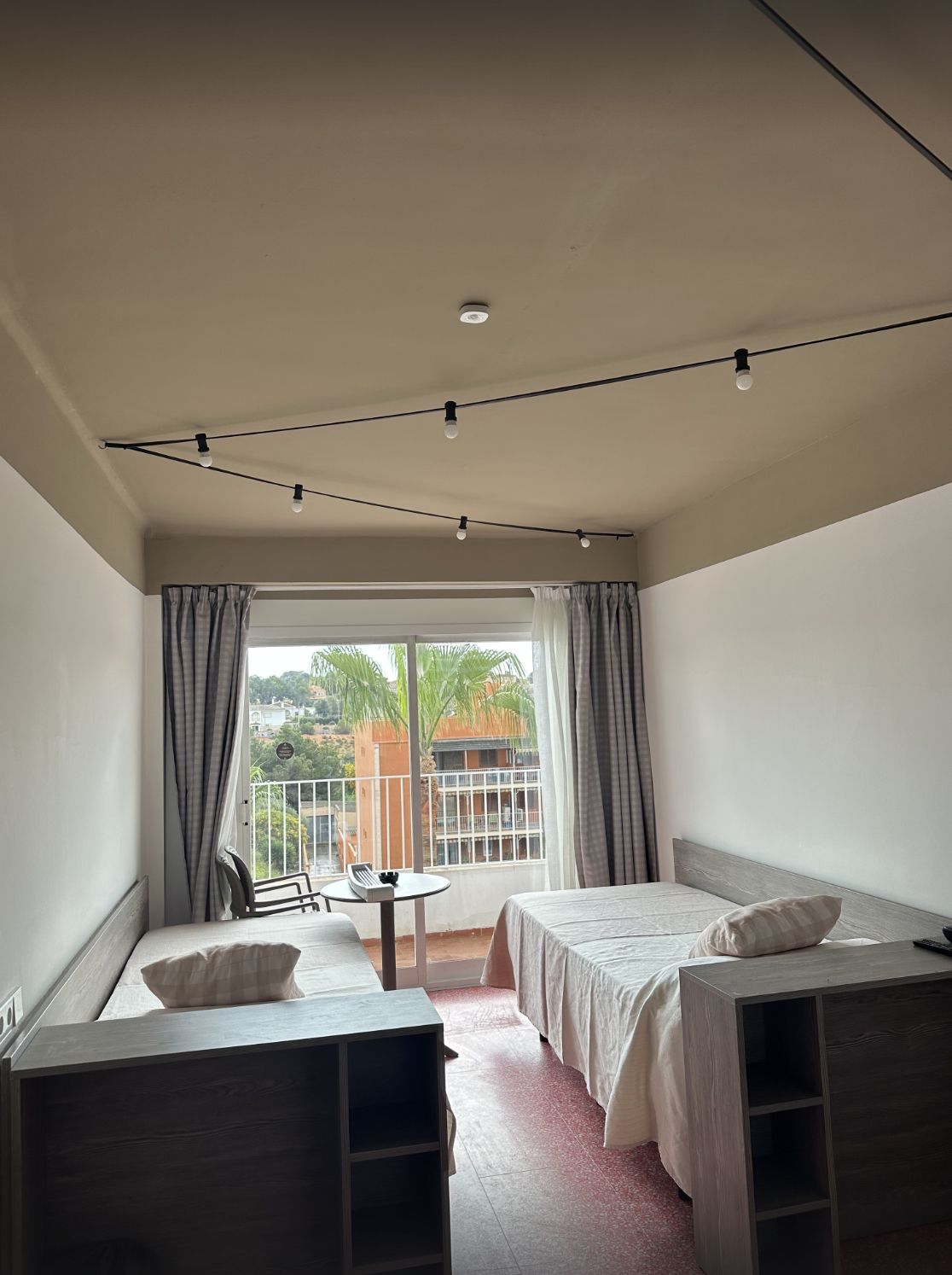
- Always install on the ceiling.
- Horizontal position, in the center of the space.
- Clear area, without obstacles blocking the field of view.
- Avoid windows with direct light, heat sources, and ventilation grilles.
Coverage
- Recommended height: 2.20 to 2.50 m.
- Detection angle: 120 degrees.
- Range: up to 9 m.
Mounting
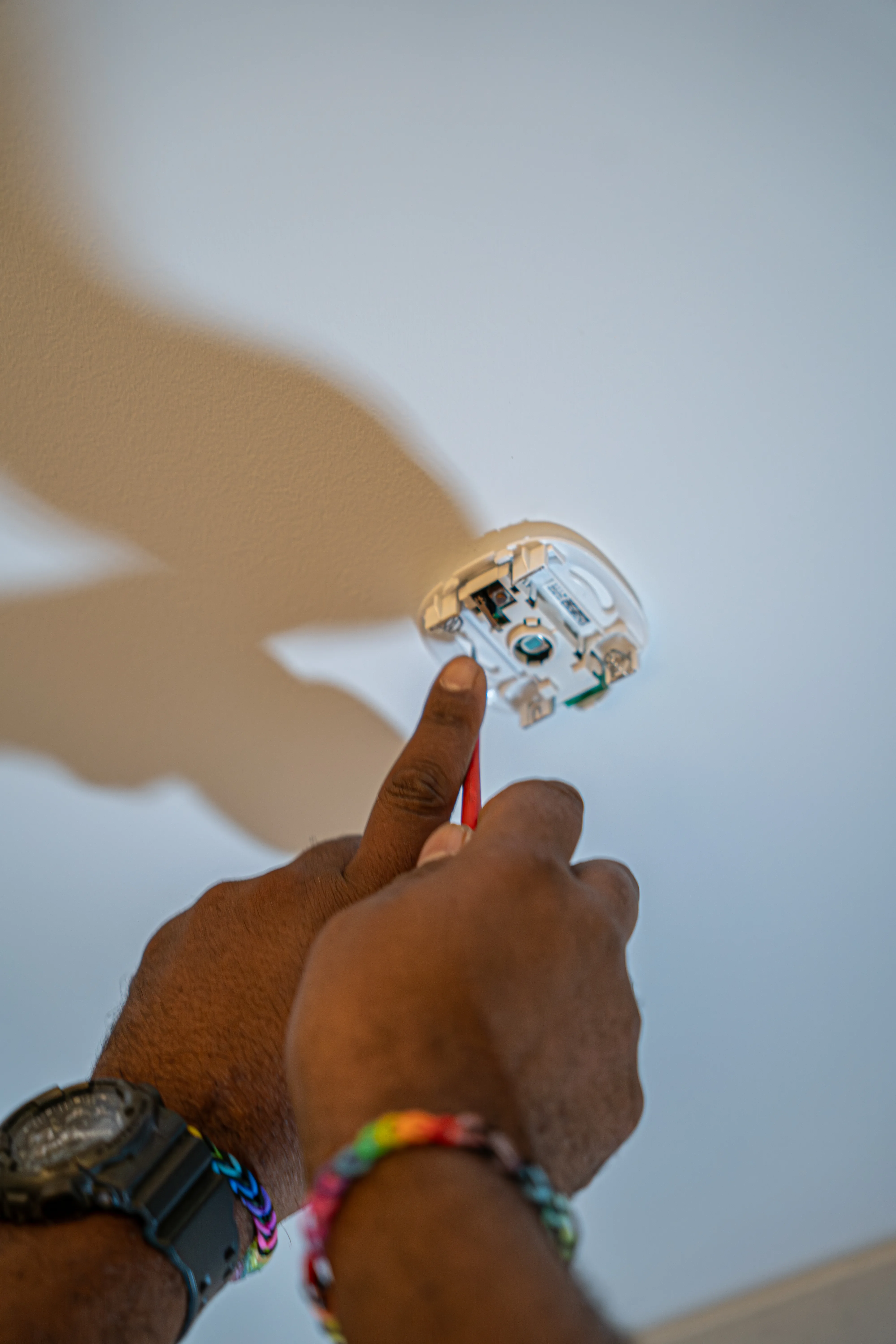
Fix the sensor only with screws. Do not use adhesive on the ceiling.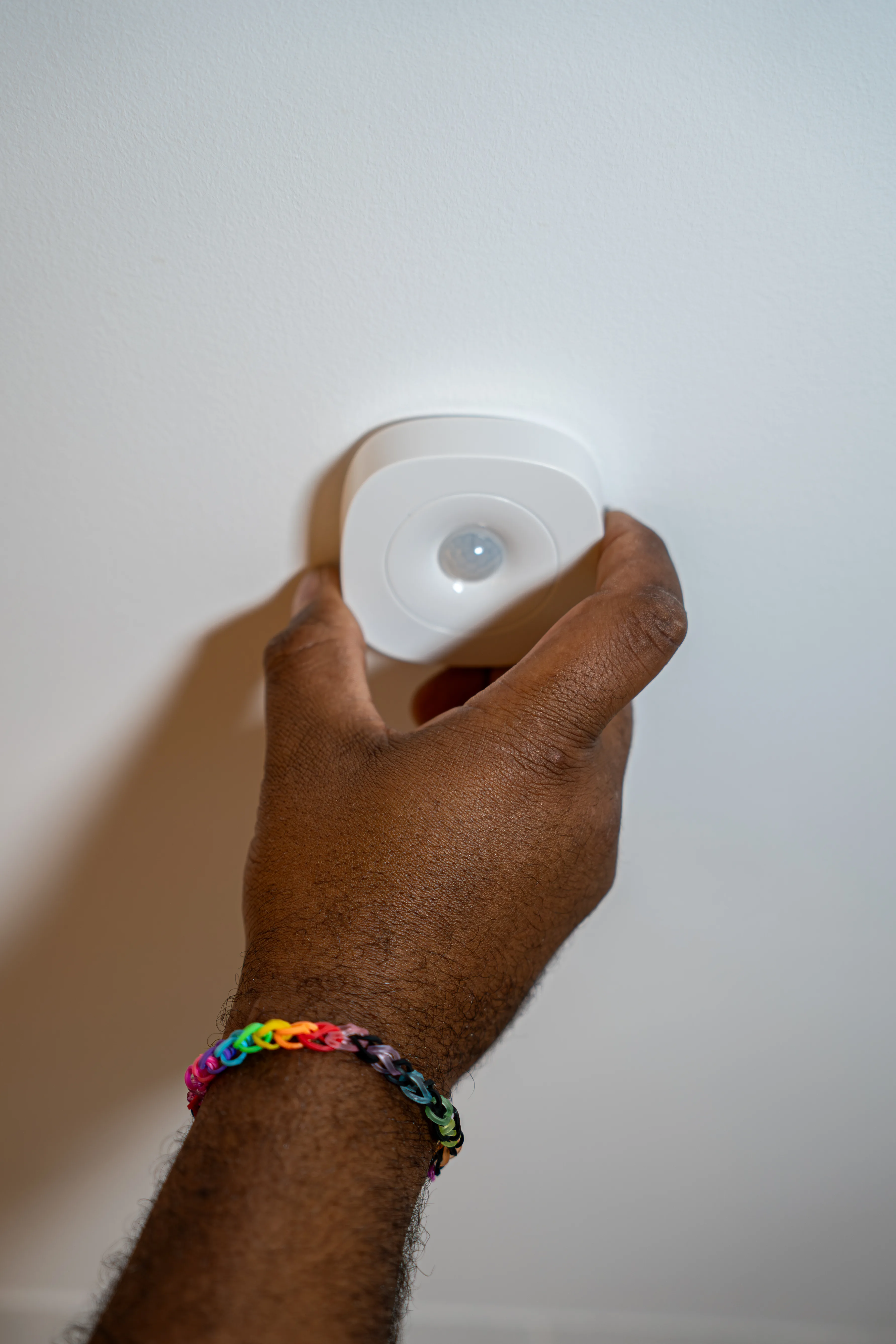

Common mistakes in the bedroom
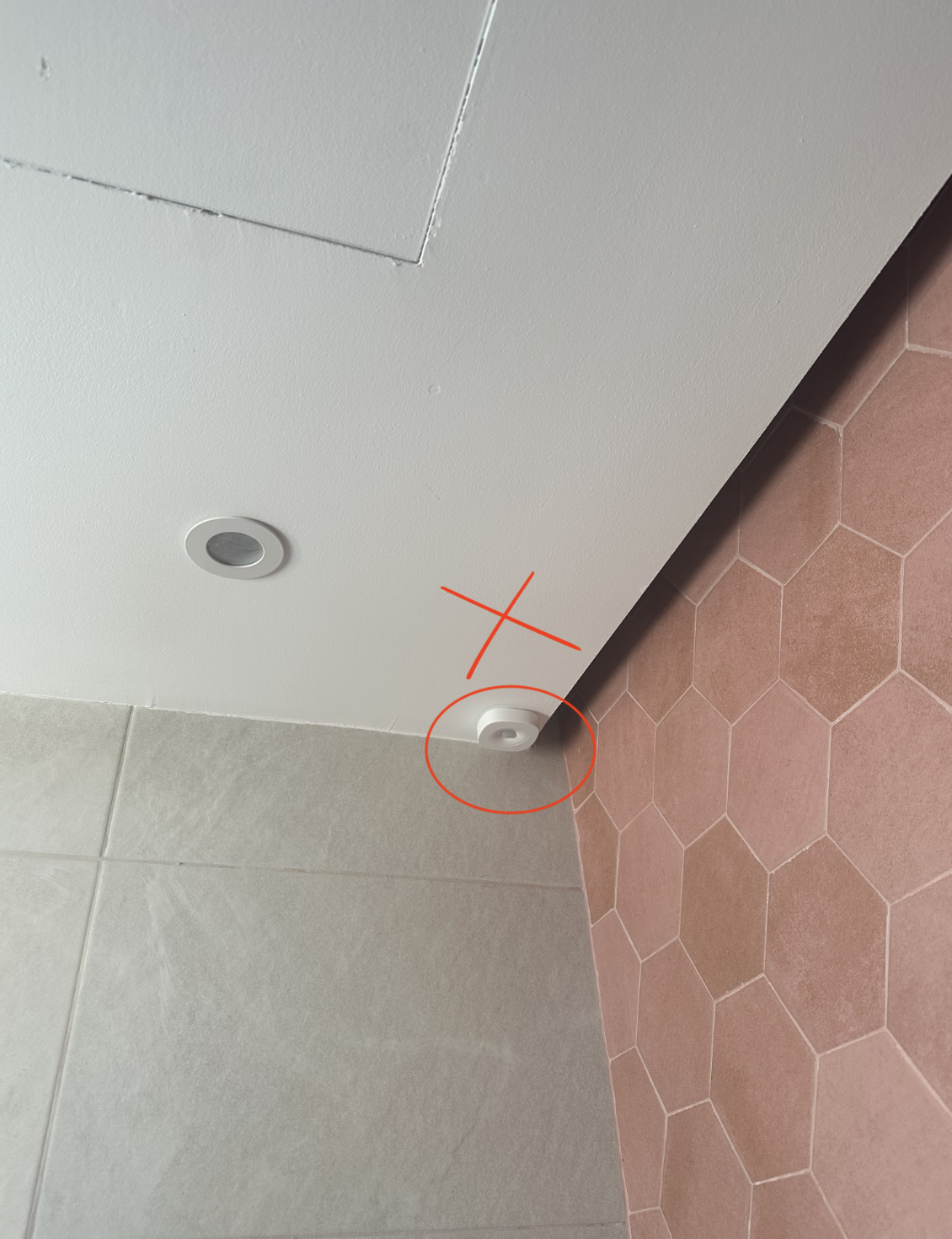
Installing on the wall instead of ceiling
Installing on the wall instead of ceiling
The sensor must go on the ceiling to properly cover the room’s surface.
Placement near heat sources
Placement near heat sources
A radiator, lamp, or HVAC grille can cause false detections.
Obstructing the field of view
Obstructing the field of view
Curtains, blinds, or tall furniture can reduce the effective detection area.
Bathroom sensor
Placement
- Always install on the ceiling.
- Horizontal position, in the center of the space.
- Clear area, without obstacles.
- Avoid direct light and heat sources.
- Do not install near the shower or extractor, as steam and air currents can affect detection.
Coverage
- Recommended height: 2.20 to 2.50 m.
- Detection angle: 120 degrees.
- Range: up to 9 m.
Mounting
Fix the sensor only with screws. Do not use adhesive on the ceiling.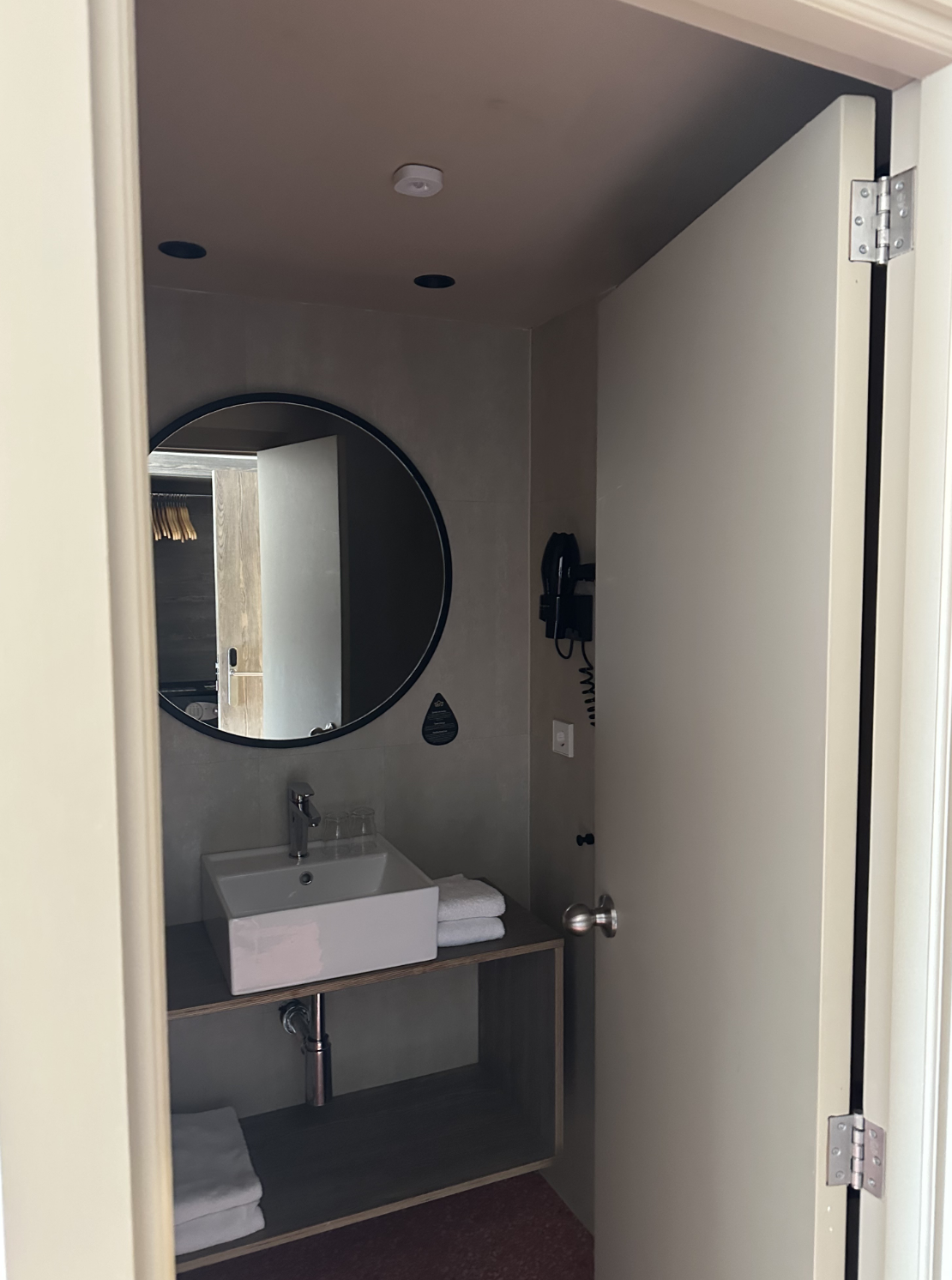
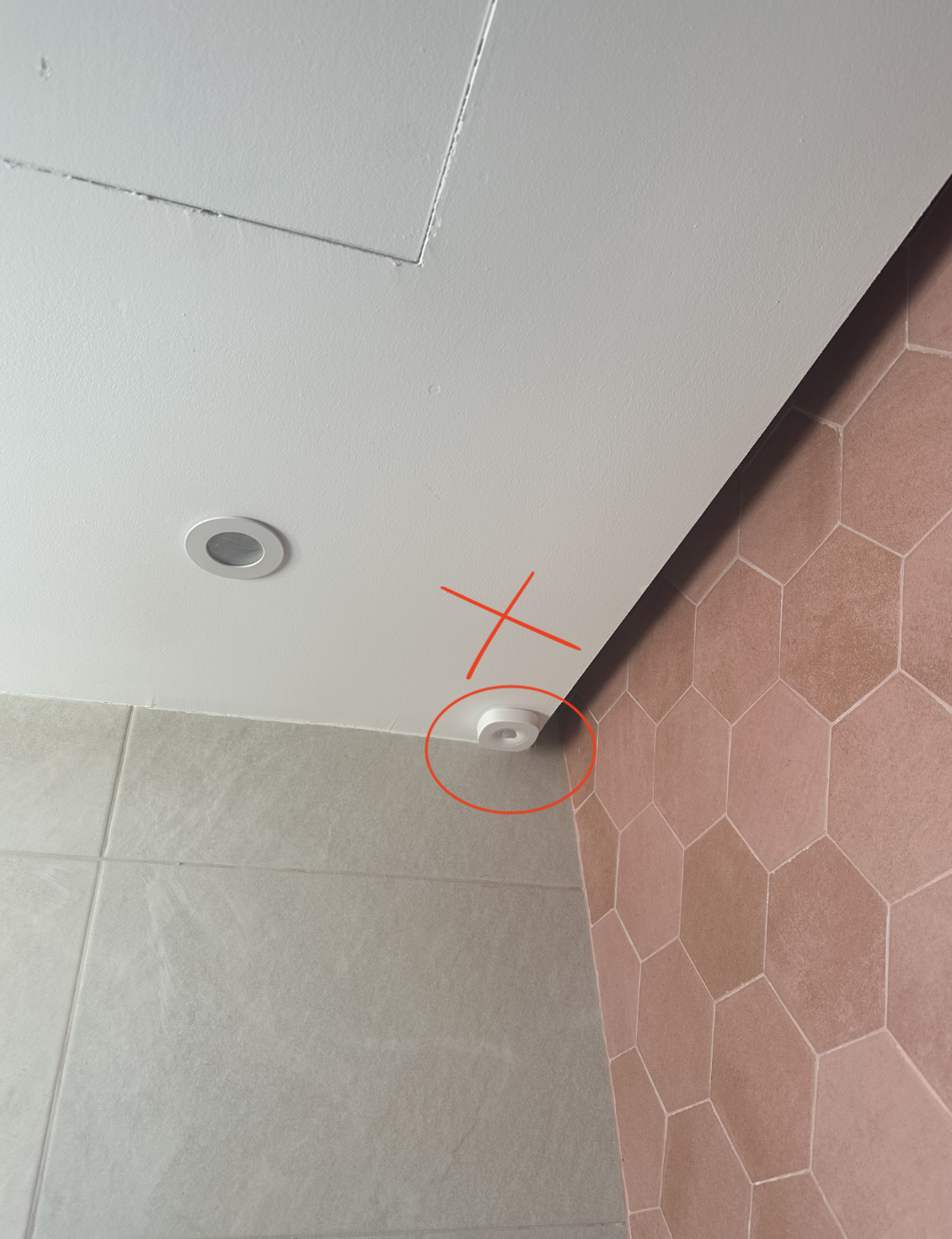
Common mistakes in the bathroom
Installing near the shower
Installing near the shower
Steam and splashes can damage the sensor and cause incorrect readings.
Installing near the extractor
Installing near the extractor
Air currents from the extractor can confuse the PIR sensor and generate unwanted activations.
Using adhesive on the ceiling
Using adhesive on the ceiling
Bathroom humidity reduces adhesion. Always use screws.
Power supply
The sensor runs on 2 included AA batteries. Open the compartment and verify polarity before closing it.Verification
The sensor’s LED blinks when detecting motion. If it does not react:- Check that the batteries are properly placed and charged.
- Check that there are no obstacles blocking the field of view.
- Verify Zigbee network coverage in the area.
- Sync the sensor on app.voltic.es if it does not appear on the platform.