
Prior documentation
Make sure you have the following documents validated before starting:
- Updated floor plans with hub and repeater locations (if applicable)
- Voltic installation scheme
- Room numbering matching the Voltic kit
Electrical requirements
Defined 230V power points per device:- Voltic FrostLine connects to the 24h line (it cannot be controlled by a key card or contactor)
- Voltic Switch connects in the room’s electrical panel
Network and Zigbee requirements
Data network
- RJ45 (male) network outlet for each Hub
- PoE switch or outlet with 24/7 power for each Hub
Recommended topology
- Install one VolticHub per floor. If a floor is split into independent radio zones, add a Hub or repeaters according to the coverage survey.
- As a reference, each Hub can manage approximately 150 devices. For robust radio coverage, assign 10–15 rooms to each Hub.
- Rooms assigned to a Hub must be on the same floor. Add Zigbee repeaters when distance, partitions, or building materials reduce the signal.
Wi-Fi and Zigbee coverage
- 24/7 power for each Zigbee repeater
Kit verification per room
- Each box must have a label with the corresponding room number
- Do not install devices in a room that does not match the kit numbering
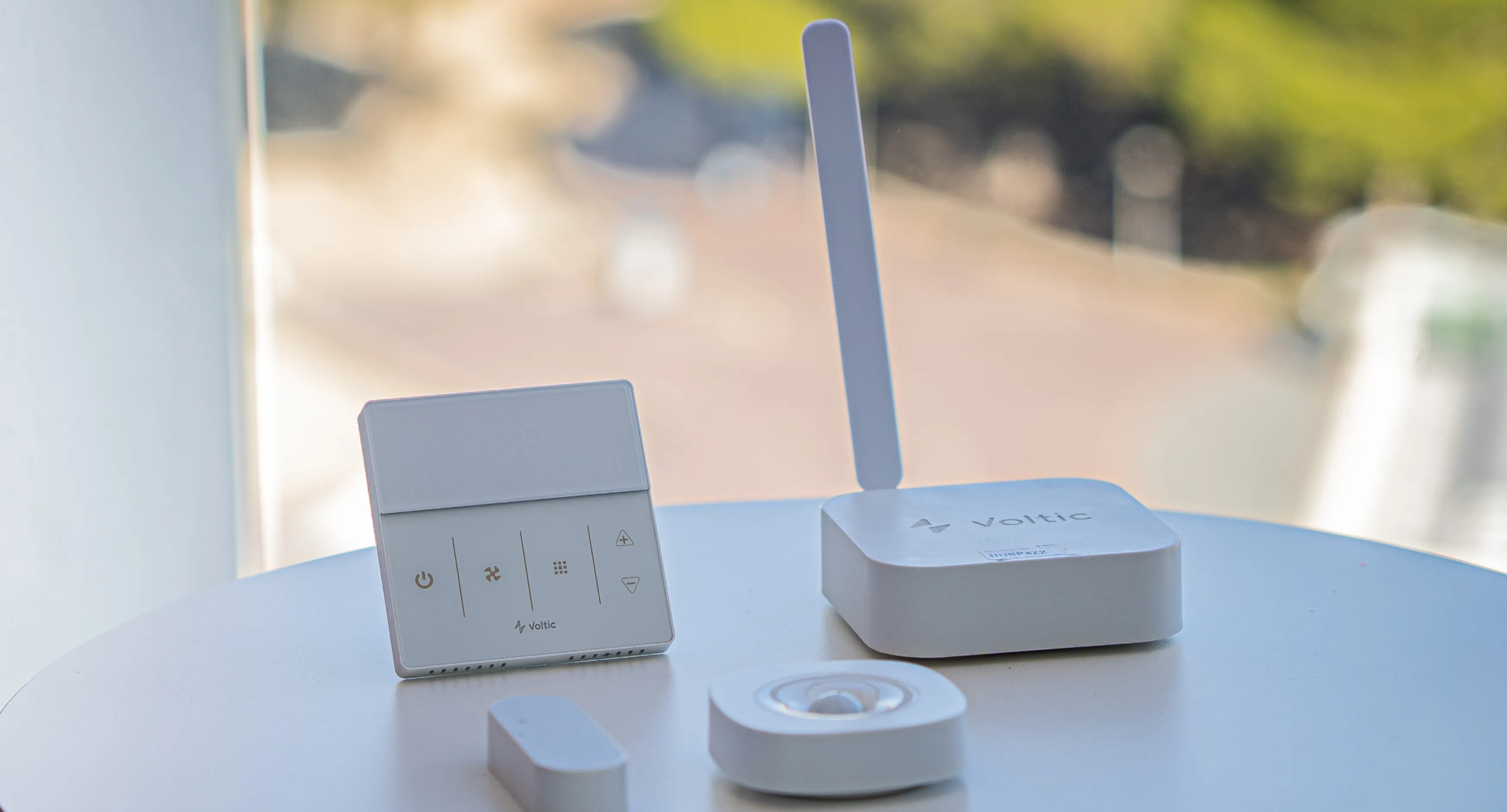
Voltic Freeline identifies the room-control system and its kit; Voltic FrostLine is the thermostat. They are different products.